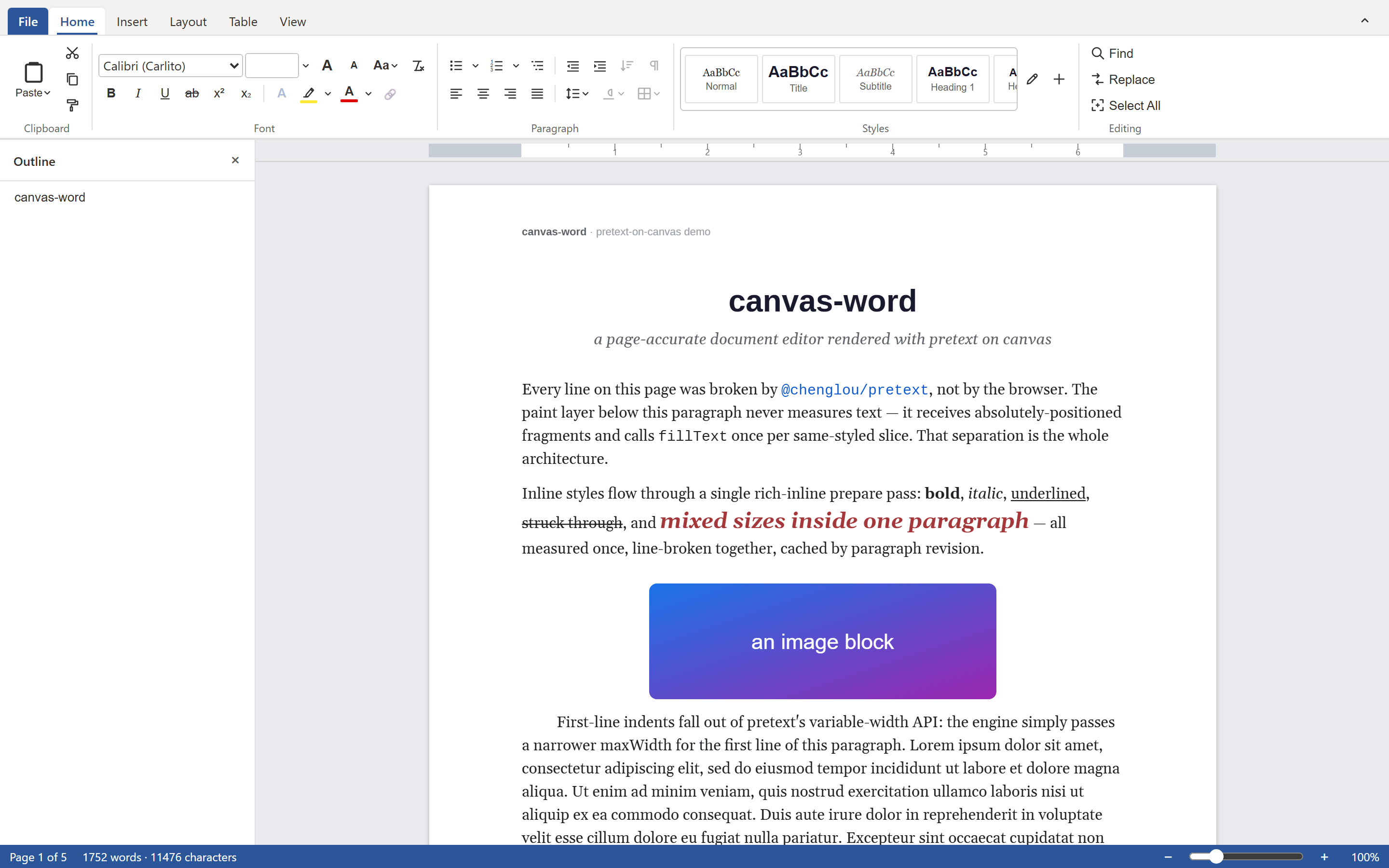
A practical comparison of embeddable Word-style document editors for the browser: Syncfusion, OnlyOffice, DevExpress, SuperDoc, and WordCanvas. Architecture, licensing, server requirements, and how to choose.
Best Embeddable JS Word Editors (2026)
A practical comparison of embeddable Word-style document editors for the browser: Syncfusion, OnlyOffice, DevExpress, SuperDoc, and WordCanvas. Architecture, licensing, server requirements, and how to choose.
You need a Word-style editor inside your web app. Users want to open a .docx,
edit it with real pages and margins, and export it back to .docx or PDF. The
shortlist almost always comes down to a handful of names: Syncfusion, OnlyOffice,
DevExpress, and a smaller set of open-source projects. This post walks each one
and gives you a way to choose.
A disclosure up front: I build one of the editors below, WordCanvas. I have tried to describe the commercial products the way their own docs do, and to be specific about where my project is weaker. Verify license terms and pricing yourself before you commit, since those change more often than the code.
First, the architecture question
Every browser document editor picks one of two foundations, and the choice drives everything else.
contenteditable. The browser owns text layout. You get selection, IME, and
accessibility for free. You also inherit the browser's idea of where a line
breaks and where a page ends, which is no idea at all. Most rich-text components
live here: TinyMCE, CKEditor, Quill, ProseMirror, Lexical, Slate. They are
excellent for comments, posts, and email bodies. They struggle the moment you
ask "where does page 3 end, and does it look the same when printed?"
Canvas. You measure and lay out every line yourself, then paint pages to a
<canvas>. This is the harder build, and it is what Google Docs switched to in
2021. You get exact pagination, widow and orphan control, and print that matches
the screen. OnlyOffice and WordCanvas render this way.
A true paged Word editor needs the canvas path or a server doing layout. A rich-text box dressed up with a page border is a different product. Keep that distinction in mind as you read.
The contenders
Syncfusion Document Editor
Part of Syncfusion's Essential JS 2 suite, with first-class Angular, React, and
Vue wrappers. It renders an editable document, handles a wide slice of OOXML, and
covers tables, images, comments, track changes, and form fields. Format
conversion runs through a server-side Web API: the client speaks Syncfusion's
SFDT format, and a .NET or Java endpoint converts .docx to and from it.
Licensing is commercial per developer. Syncfusion offers a free community license for individuals and small companies under a revenue and headcount threshold, so check whether you qualify before you budget for seats.
Pick it when you already run a .NET or Java backend, want a polished editor with vendor support, and your team fits the community tier or has budget for seats.
OnlyOffice Docs
The heaviest hitter, and the most complete. OnlyOffice Docs is a full office suite (documents, spreadsheets, presentations) that you embed through an iframe backed by Document Server. Fidelity with Microsoft formats is excellent, and real-time collaboration is built in.
The cost is operational. Document Server is a substantial backend that you host and keep running. The community edition is AGPLv3, which has implications if you ship a closed product, so most commercial users move to a paid license.
Pick it when you want maximum format fidelity and a whole office suite, and you are comfortable operating a real server alongside your app.
DevExpress Rich Text Editor
DevExpress ships a Word-processing control across its stacks: Blazor, ASP.NET,
WinForms, and WPF. The web story centers on Blazor and ASP.NET, so the editor
leans on a .NET backend rather than running as a standalone client-side JS
component. It handles .docx, mail merge, and a deep formatting model, and it
fits naturally if your front end is already DevExpress.
Licensing is a commercial subscription, usually bought as part of the Universal bundle.
Pick it when your app is a .NET and Blazor shop already paying for DevExpress.
SuperDoc
The newer open-source entrant. SuperDoc is built on ProseMirror, edits .docx
with good fidelity, and includes collaboration. Because it sits on
contenteditable, it behaves like a flowing rich-text editor with strong Word
import rather than a strict paged-layout engine. It is under active development
and has momentum.
It is open source, but read the current license before you embed it in a closed product, since copyleft terms apply to some of the ecosystem.
Pick it when you want an open-source .docx editor, collaboration matters, and
exact pagination does not.
CKEditor and TinyMCE
Worth a mention so you can rule them in or out fast. Both are mature
contenteditable rich-text editors with large ecosystems. CKEditor offers
pagination and export-to-Word as premium add-ons, which narrows the gap, but the
core remains a rich-text component rather than a page-layout engine. Reach for
these when your real need is formatted content, not paged documents.
WordCanvas
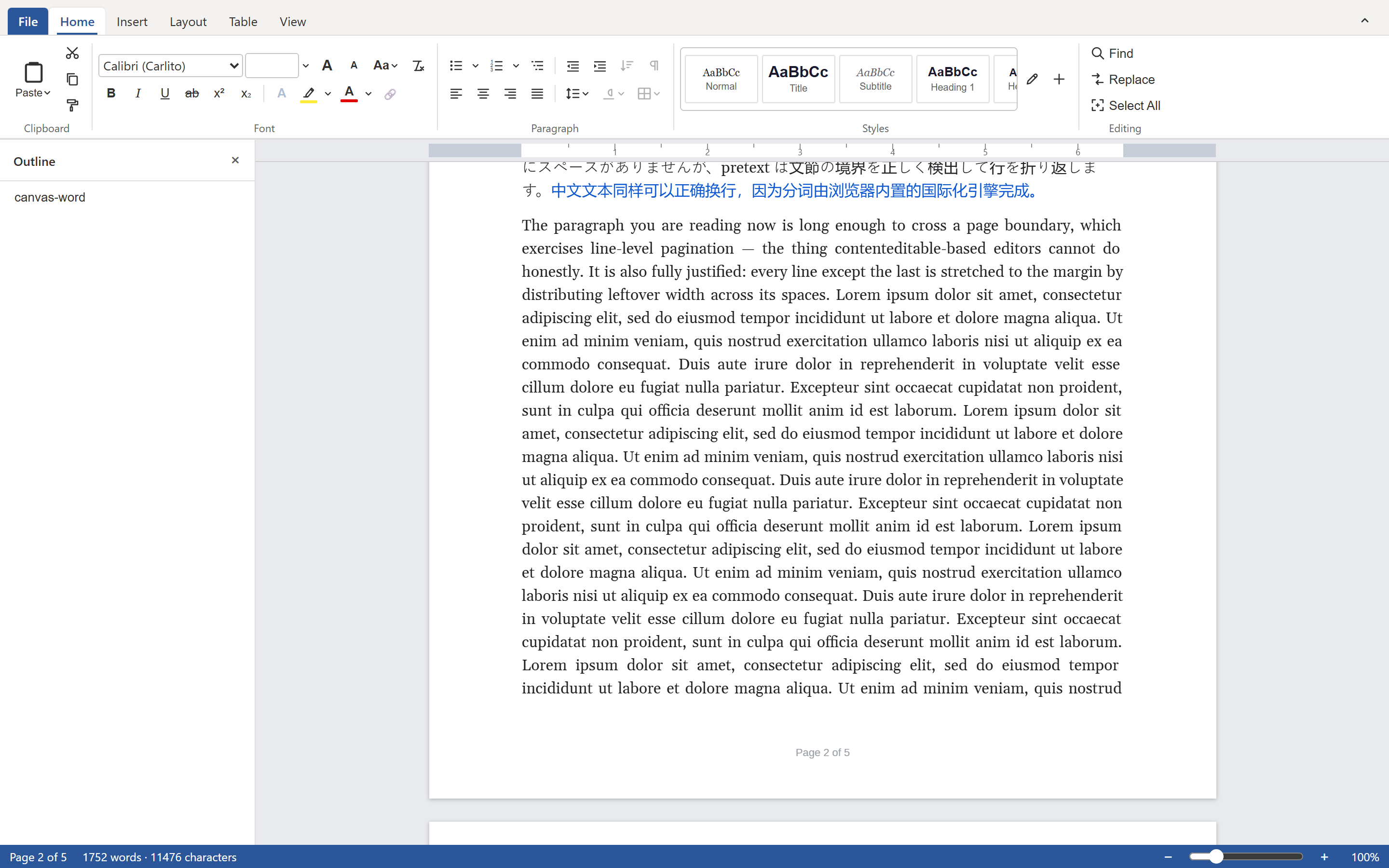
My project, so weigh the praise accordingly. WordCanvas (@forevka/wordcanvas)
is an MIT-licensed, canvas-rendered Word editor that runs in the browser with
zero runtime dependencies. It paginates the way Word does, imports and exports
.docx, and renders page-accurate PDF entirely client-side. It needs no server
to edit or export; you add a backend only when you want live collaboration, which
ships as an opt-in WebSocket sync layer. You can drop it onto a page with a plain
<script type="module"> and run several editor instances at once.
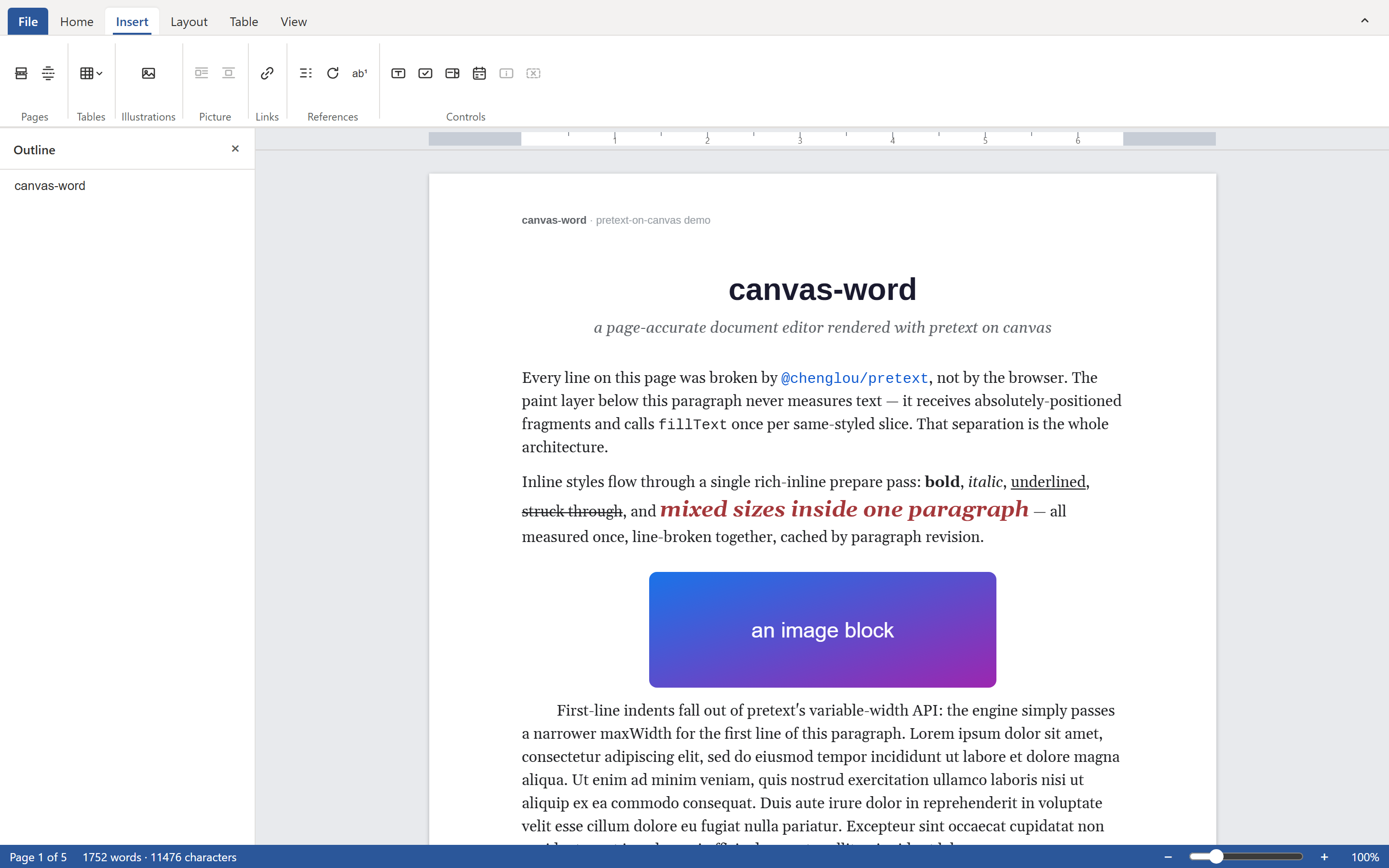
Where it is weaker than the commercial three, plainly: no RTL or complex-script editing yet, only Latin fonts bundled (so CJK text turns to tofu in PDF export), a minimal accessibility mirror, and none of the Word long tail like charts, equations, or SmartArt. There is also no enterprise support contract, because it is one person's open-source project.
Pick it when you want a free, embeddable, server-optional Word editor for a JavaScript app, and your documents are Latin-script.
Side by side
| WordCanvas | Syncfusion | OnlyOffice | DevExpress | SuperDoc | |
|---|---|---|---|---|---|
| License | MIT | Commercial (free community tier) | AGPL or commercial | Commercial | Open source (copyleft) |
| Rendering | Canvas | DOM | Canvas in iframe | DOM | contenteditable |
| Server to render | No | For file conversion | Yes | Yes (.NET) | No |
| Runtime deps | Zero | Several | Bundled suite | .NET stack | ProseMirror stack |
| DOCX import + export | In-browser | Yes | Yes | Yes | Yes |
| PDF export | Page-accurate, in-browser | Yes | Yes | Yes | Via export |
| Exact pagination | Yes | Yes | Yes | Yes | No |
| Live collaboration | Opt-in backend | Add-on | Built in | Add-on | Built in |
| RTL / CJK | Not yet | Yes | Yes | Yes | Partial |
| Best fit | Any JS app, Latin script | Angular/React/Vue + .NET | Full suite, high fidelity | Blazor / .NET | Open-source rich text |
How to choose
Start with three questions.
Do you need exact pages, or formatted content? If a paragraph splitting correctly across page 3 matters, you need a canvas or server-layout editor: WordCanvas, OnlyOffice, or Syncfusion. If you really want a nice rich-text box, CKEditor or TinyMCE will cost you less effort.
What runs your backend? A .NET shop slots into DevExpress or Syncfusion with the least friction. A team that wants no new server leans toward WordCanvas or SuperDoc. A team that will operate infrastructure for top-tier fidelity picks OnlyOffice.
What does your budget and license tolerance look like? If you need MIT and zero license math, WordCanvas is the short answer. If you can buy seats and want a support line, the commercial three earn their price. If copyleft is acceptable, OnlyOffice community and SuperDoc are on the table.
For a Latin-script document editor inside a JavaScript app, with no server mandate and an open license, try WordCanvas first:
npm install @forevka/wordcanvas
import { WordCanvas } from "@forevka/wordcanvas";

new WordCanvas({ container: document.getElementById("editor")! });
If you hit RTL, CJK, or charts, you will know quickly, and the commercial editors above are the next stop. The code and full feature list are on GitHub.